

If the thought of filing taxes makes you nervous — don’t worry, you’re not alone.
Whether you’re a first-time filer or just want to make sure you’re doing it right, this guide will show you how to file taxes step-by-step in plain, easy-to-understand English.
Let’s break it all down so you can file confidently and avoid mistakes that might cost you money or time.
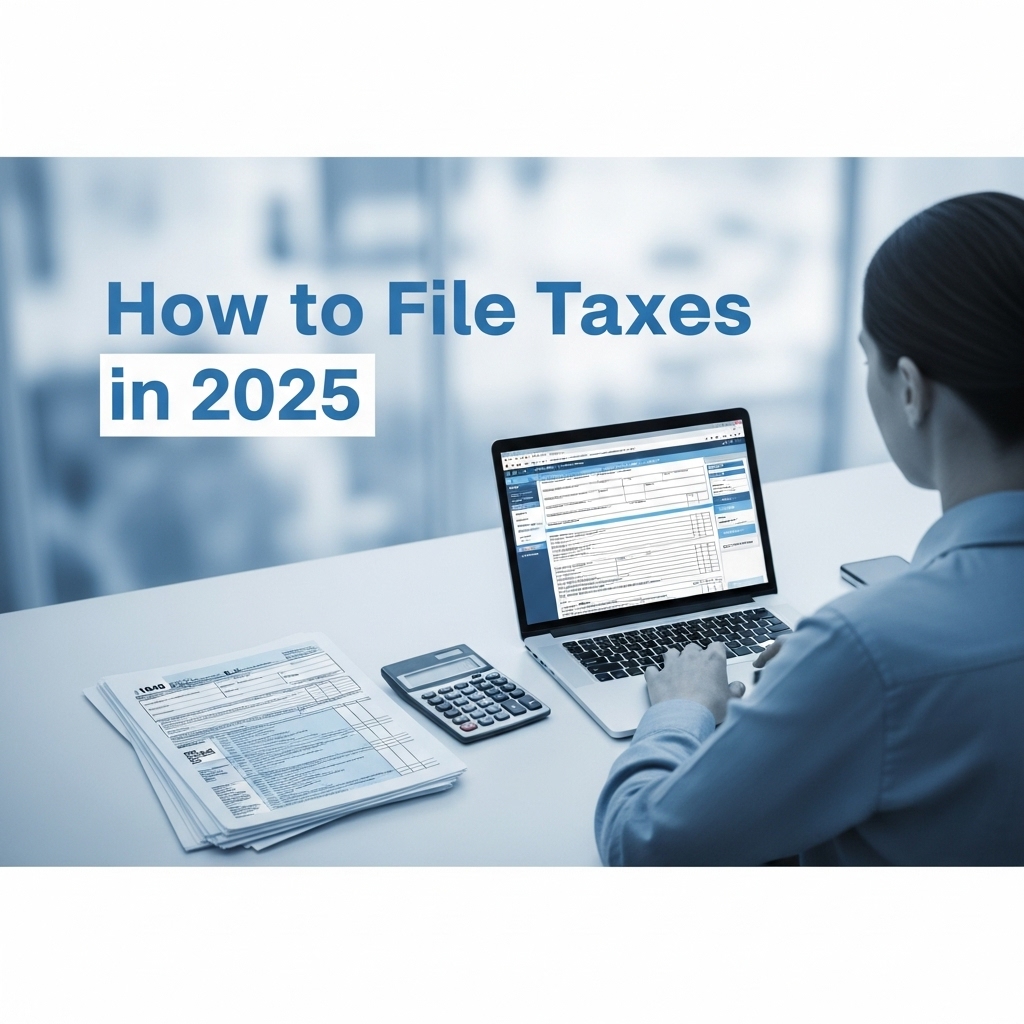
What Does “Filing Taxes” Mean?
Filing taxes simply means reporting your income and deductions to the IRS so they can calculate how much tax you owe (or how much refund you’ll get back).
If you earned money in the U.S. during the year — from a job, freelancing, or even investments — you’re required to file a tax return.
When Is the Tax Filing Deadline?
In 2025, the tax filing deadline is April 15 (unless extended by the IRS).
It’s best not to wait until the last minute — filing early helps you get your refund faster and reduces stress.
Step 1: Gather All Your Tax Documents
Before you start, collect everything you’ll need, such as:
- W-2 forms (from your employer)
- 1099 forms (for freelance or side gig income)
- Bank statements and investment reports
- Receipts for deductions (like education or medical expenses)
- Last year’s tax return (for reference)
Pro Tip: Keep your documents in one folder or digital file to make the process smoother.
Step 2: Choose How You’ll File Taxes
You can file taxes in three main ways:
- Online (DIY software) – Use tax software like TurboTax, H&R Block, or TaxAct for easy guided filing.
- With a tax preparer or CPA – Perfect if you have complex income, like self-employment or multiple properties.
- Manually (paper filing) – Still an option, but slower and more prone to mistakes.
Most people prefer online filing because it’s quick, accurate, and automatically checks for errors.
Step 3: Enter Your Income Information
Your tax software or preparer will ask for your income forms — like W-2s or 1099s — and automatically calculate your total earnings.
Make sure all your income is reported. Even small freelance jobs should be included — the IRS tracks these electronically now.
Step 4: Add Deductions and Credits
Deductions and tax credits help lower the amount you owe. Common ones include:
- Child tax credit
- Education credits (American Opportunity or Lifetime Learning)
- Student loan interest deduction
- Charitable donations
- Medical expenses (if itemizing)
Pro Tip: Tax software usually suggests the best deductions for you automatically.
Step 5: Review and Submit Your Tax Return
Once everything is entered, review your details carefully. Check your name, Social Security Number, address, and bank info for refund deposits.
Then hit Submit (E-file) — and you’re done!
If you owe taxes, you can pay online through the IRS website or schedule a payment plan.
Step 6: Wait for Your Refund (If Applicable)
If you’re due a refund, it typically arrives within 2–3 weeks when you e-file with direct deposit.
You can track it anytime using the “Where’s My Refund” tool on the IRS website.
Common Mistakes to Avoid When Filing Taxes
- Forgetting to sign your return (for paper filers)
- Missing income forms (like 1099s)
- Entering wrong bank details
- Filing too late — and facing penalties
Filing early and reviewing your information carefully prevents most of these issues.
Final Thoughts
Filing your taxes might sound complicated — but with the right preparation and tools, it’s totally manageable.
Start early, stay organized, and use trusted online software to guide you through every step.
Remember: filing taxes on time not only avoids penalties but can also get you your refund faster.
So take a deep breath, follow these steps, and get it done — your future self will thank you!