

If you’ve made a purchase through Snap Finance, making your payments on time is the best way to build trust and keep your account in good standing. The good news is — Snap Finance makes it super easy to pay your bill online, by phone, or even through their mobile app.
In this simple guide, you’ll learn how to make a Snap Finance payment step-by-step, what payment methods are accepted, and what to do if your payment fails.
What Is Snap Finance Payment?
Snap Finance payment refers to how you repay your financing or lease-to-own purchase over time.
Once approved, you get a spending limit that you can use at partner stores — and then pay it back through weekly, biweekly, or monthly payments.
Your Snap Finance account lets you:
- View your balance and payment schedule
- Make or schedule payments
- Update your payment method
- Track your payment history
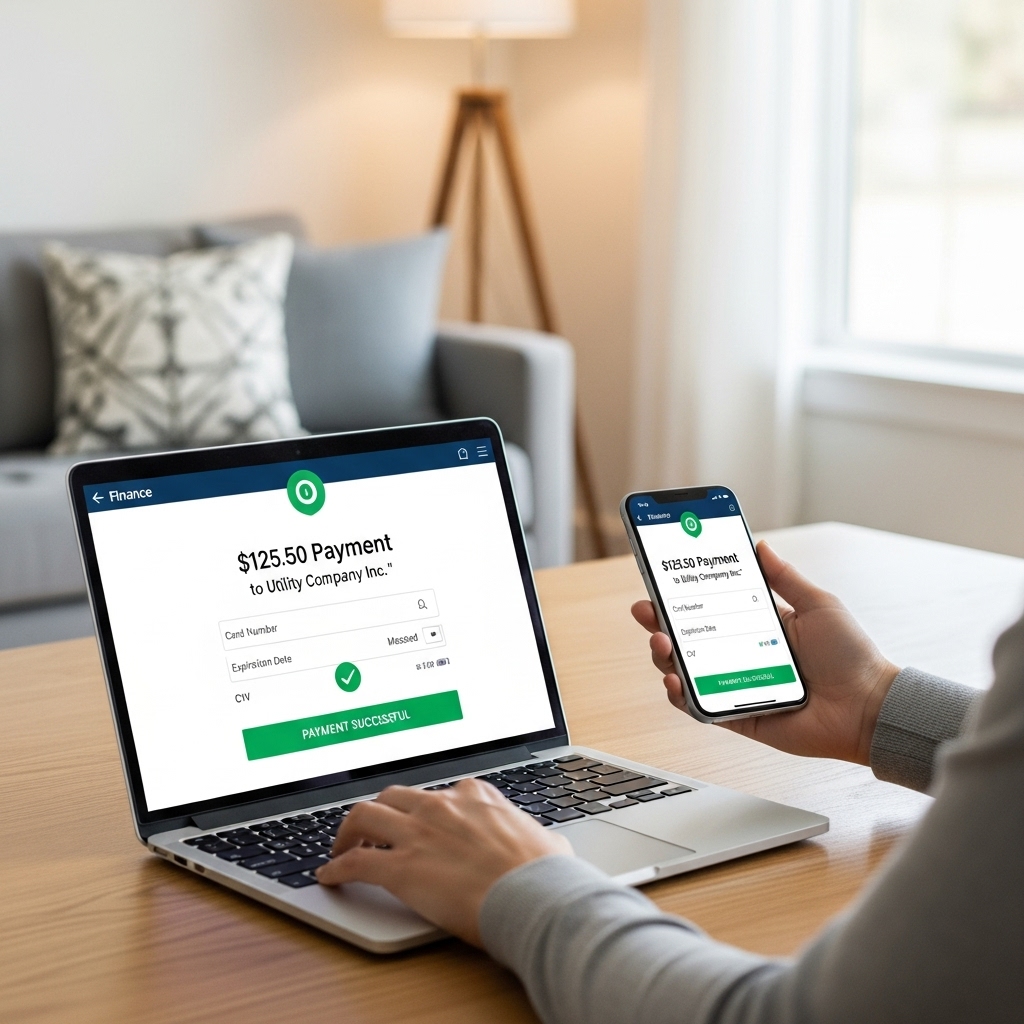
How to Make a Snap Finance Payment Online
The easiest and fastest way to make your payment is through the Snap Finance Customer Portal.
Step 1: Visit the Official Snap Finance Website
Go to https://customer.snapfinance.com
Always make sure you’re on the official site — it should start with “https://” and have a padlock icon in the address bar.
Step 2: Log In to Your Account
- Enter your email address and password
- Click “Sign In”
- Once logged in, you’ll see your account dashboard with balance and due date
Step 3: Select “Make a Payment”
On your dashboard, click “Make a Payment” or “Pay Now.”
Then:
- Enter the amount you want to pay
- Choose your payment method (debit card or checking account)
- Confirm and submit your payment
Tip: You can also set up auto-pay so your payment goes through automatically on each due date.
How to Make a Snap Finance Payment Using the Mobile App
If you prefer to pay on the go, you can use the Snap Finance mobile app (available for iOS and Android).
- Open the app and log in to your account
- Tap “Payments”
- Choose your amount and payment method
- Tap “Confirm Payment”
That’s it! You’ll receive an instant confirmation message once your payment goes through.
How to Make a Payment by Phone
You can also make a payment over the phone if you don’t have internet access.
Customer Service Payment Line: 877-557-3769
Hours: Monday–Friday, 8 AM – 9 PM (EST)
Follow the prompts or ask a representative to help you process your payment safely.
Payment Methods Accepted by Snap Finance
Snap Finance accepts several convenient payment options:
- Debit card (Visa, Mastercard)
- Checking account (ACH transfer)
- Automatic recurring payments
- Phone payments via customer support
Currently, credit cards and cash payments are not supported.
What If Your Snap Finance Payment Fails?
Don’t panic — payment issues can happen. Here’s what to do:
- Check your bank balance or card limit
- Confirm your payment info (no typos or expired card)
- Try again after a few minutes
- If the issue continues, call Snap Finance support at 877-557-3769
Tip: If you know your payment will be late, contact Snap Finance early — they may help you adjust your schedule to avoid fees.
Helpful Tips to Stay on Track with Payments
- Turn on payment reminders in your Snap Finance account
- Set up auto-pay to never miss a due date
- Always check your email or SMS for payment confirmation
- Keep your payment method updated to avoid failed transactions
Frequently Asked Questions (FAQs)
1. How do I make a Snap Finance payment?
Log in at customer.snapfinance.com, click “Make a Payment,” and follow the on-screen steps.
2. Can I pay Snap Finance by phone?
Yes, call 877-557-3769 during business hours to pay by phone.
3. Does Snap Finance accept credit cards?
No, Snap Finance currently accepts debit cards and checking accounts only.
4. Can I set up automatic payments?
Yes, you can set up recurring payments from your online account or mobile app.
5. What happens if I miss a payment?
Contact customer service immediately to avoid late fees or account disruption.
Conclusion
Making your Snap Finance payment is simple once you know where to go. Whether you prefer paying online, through the app, or by phone, Snap Finance offers flexible options to keep your account up to date.
Log in now at customer.snapfinance.com or call 877-557-3769 to make your next payment quickly and securely.